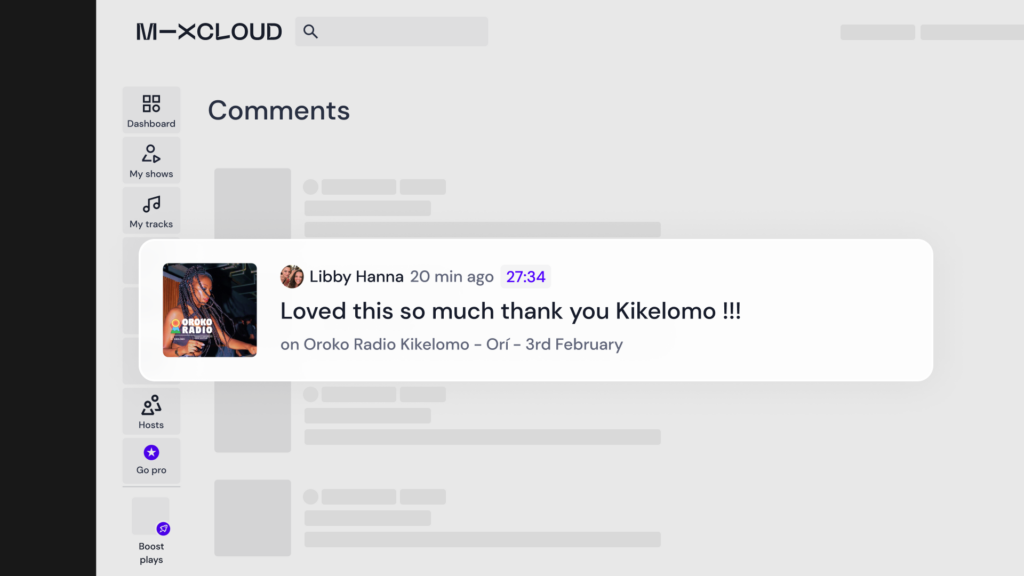
So many vibrant communities have a home on Mixcloud, and we know that conversation is key to helping build and nurture those connections.
That’s why we’ve made upgrades to how you can communicate, including the ability to leave comments at specific points in a show, the option to ‘like’ comments and reply easily, and more notifications letting you know when others have done the same. So, whether you’re sharing shows or here to listen, this series of changes will make connecting with your people easier and more meaningful on Mixcloud.
Introducing timestamped comments
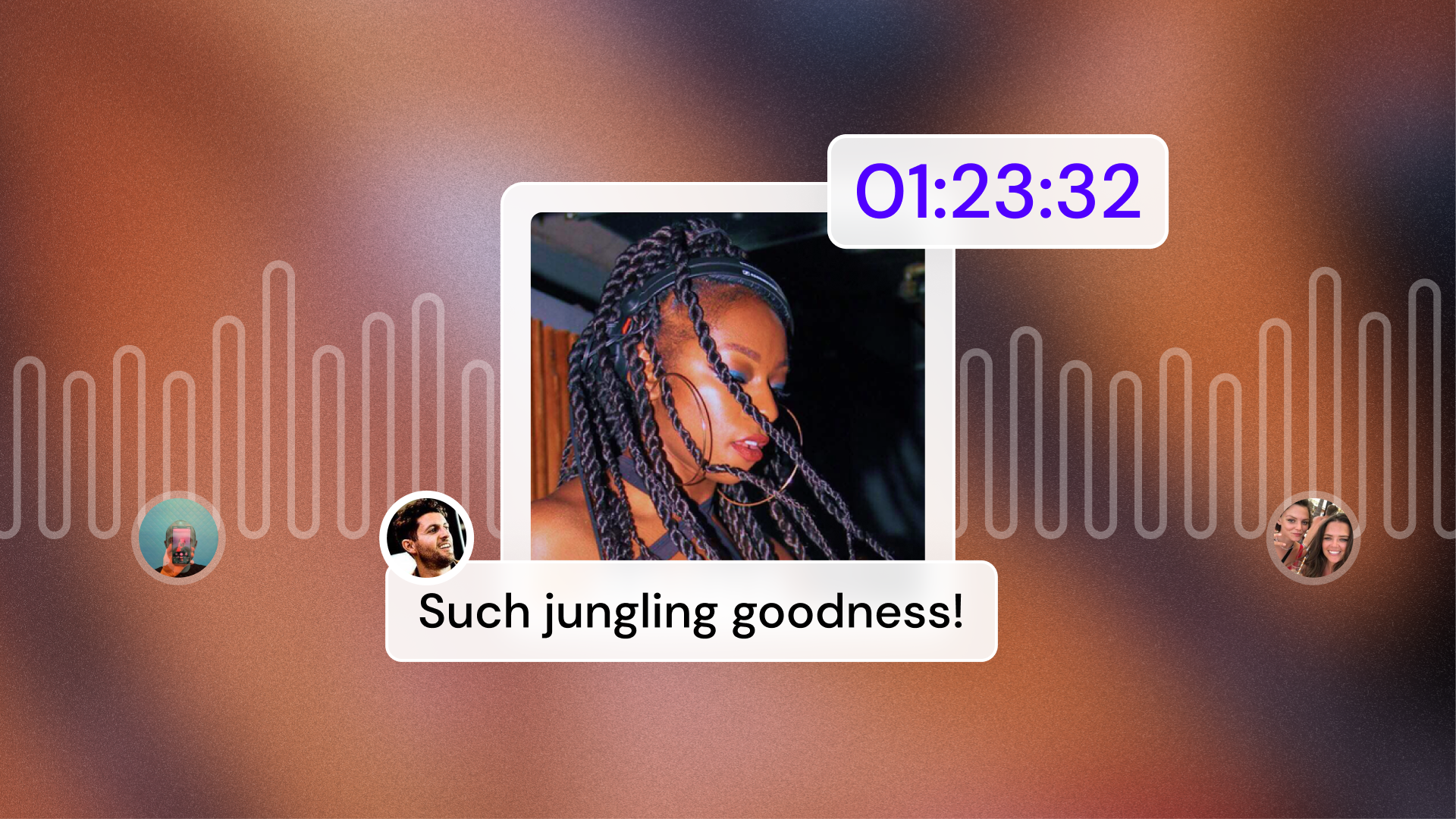
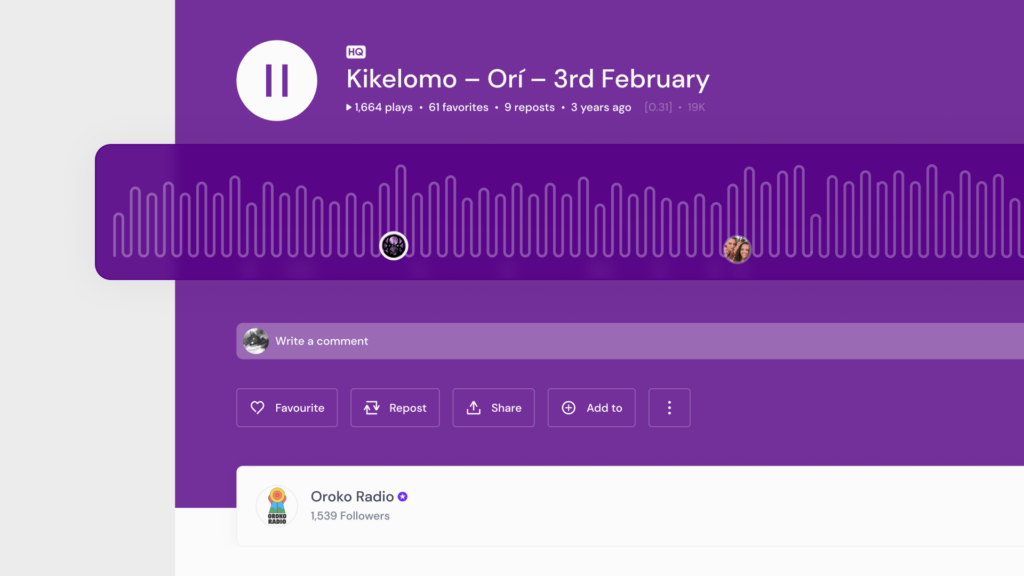
The ability to leave comments at specific parts of a show brings life and conversation into the very heart of a mix. You can now give and receive that real-time music appreciation directly from the player too, so you won’t miss the moment you’re loving a tune. Comments are displayed on the waveform so you can see where other conversations are happening, and won’t miss out on other popular moments.
Other updates to comments include:
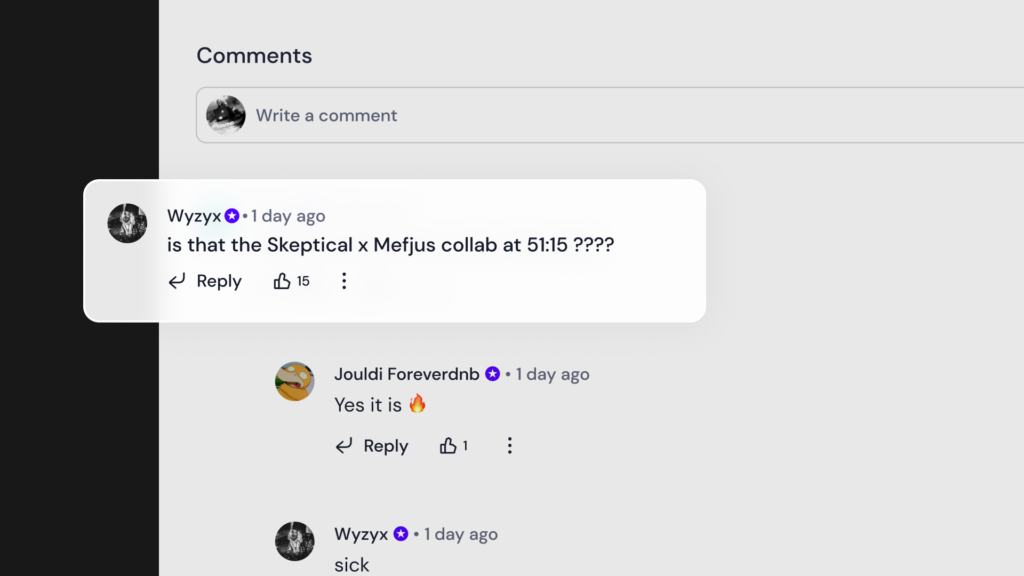
1. Liking comments, for casual kudos
2. Threaded replies to allow for ongoing discussions
3. Easier to mention the relevant users on a comment
4. Add emojis with the click of a button on web
5. Multi-line commenting for stories that can’t go unsaid
6. Comment directly from the player in web and app
7. Popular comments on app will be highlighted.
If you’re a creator, these changes make it even simpler to see all your comments in one place and instantly reply, plus we’ve rolled out better notifications so you’ll never miss who’s into your shows. Head to your Creator Dashboard to check out the ‘Latest comments’ section.
Comment management updates include:
1. Access and reply to your latest comments from the Creator Dashboard
2. View all comments in one place to better manage chats with followers
3. Better notifications (email and app) for when a reply or mention is received
4. Push notifications linking directly to specific comments for fast, frictionless responses.